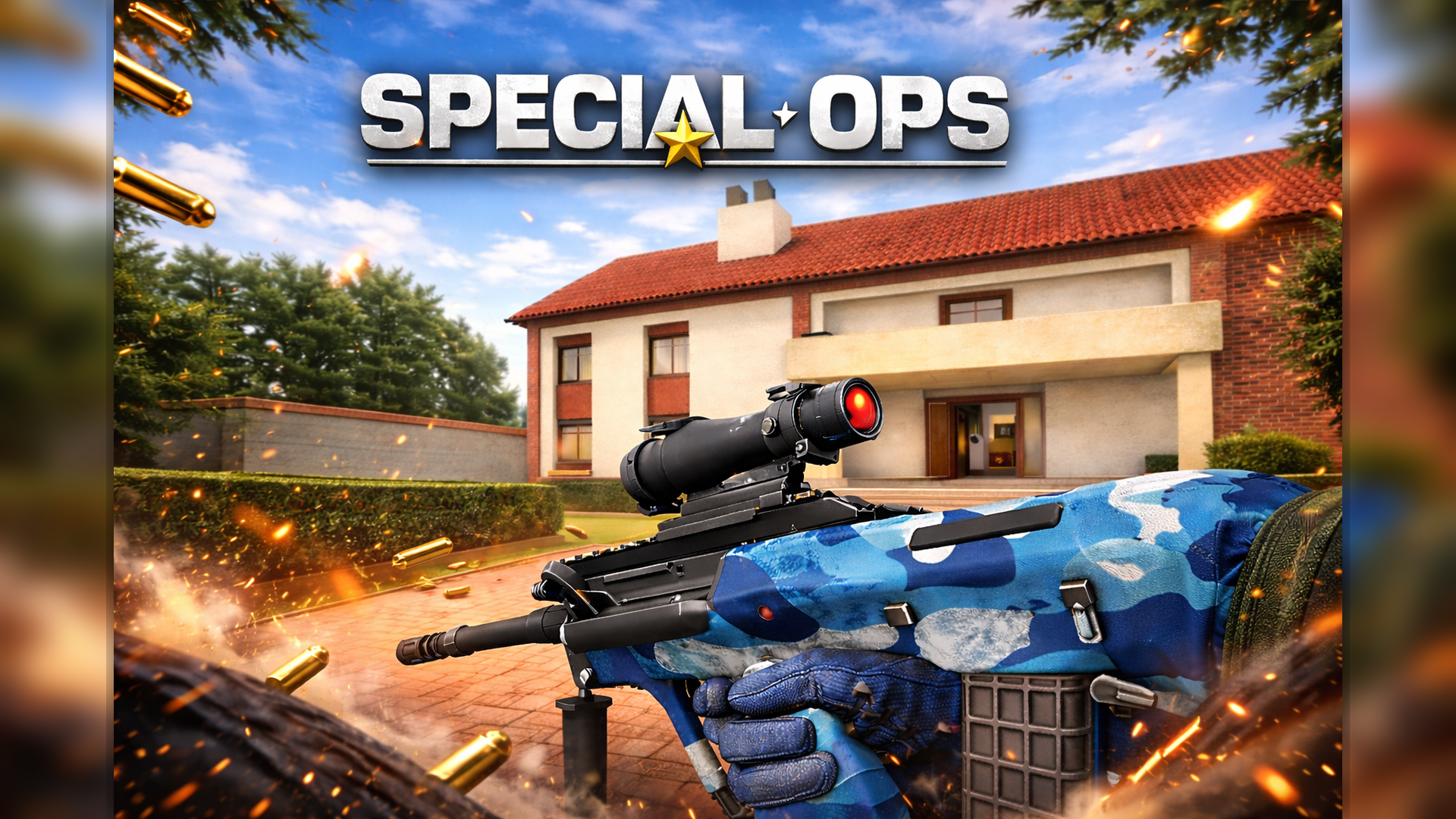
Get ready for an action-packed shooting experience in Special Ops: GO! Test your aiming skills, move through the battlefield, switch between weapons, and react quickly to changing situations. This browser-based shooter is a great choice for players who enjoy fast-paced action and competitive gameplay.
Whether you are practicing your accuracy or trying to climb the leaderboard, every match gives you a chance to improve your movement, aiming, and weapon selection. Stay alert, manage your health, and use the available controls to stay ready for the next encounter.
Play Special Ops: GO Online
How to Play Special Ops: GO
Move around the game environment, aim carefully, and shoot when you have a clear target. Use different weapons to adapt to the situation, and keep an eye on your health. You can pause the game and access settings when needed.
If you are playing for a better leaderboard position, focus on accurate shots, smart movement, and learning how each weapon works. Practice with the controls to become more comfortable during intense moments.
Special Ops: GO Controls
- W, A, S, D: Move your character.
- Space: Jump.
- Left Mouse Button: Shoot.
- Right Mouse Button: Aim.
- P: Pause the game and open settings.
- Tab: View the leaderboard.
- 1, 2, 3: Switch between weapons.
- H: Use a health kit.
For the best experience, play on a desktop computer with a keyboard and mouse. If the game supports other input methods, the available controls may vary by device.
Features of Special Ops: GO
- Action shooting gameplay: Test your reflexes in fast-paced combat.
- Keyboard and mouse controls: Move, aim, jump, and shoot with familiar controls.
- Weapon switching: Use the number keys to select different weapons.
- Health management: Use a health kit when you need to recover.
- Leaderboard: Check player rankings during gameplay.
- Pause and settings: Access the game settings with the pause key.
- Browser-based play: Launch the game directly on this page without a separate download for the embedded version.
Tips for Playing Special Ops: GO
- Practice aiming before rushing into combat.
- Keep moving to avoid becoming an easy target.
- Learn the weapon-switching keys so you can react quickly.
- Use your health kit when necessary instead of waiting until it is too late.
- Jump when it helps you move through the environment or avoid danger.
- Check the leaderboard to follow the competition.
Special Ops: GO Game Preview
More Free Online Games
Discover more browser games on Kids Game Online:
Play Special Ops: GO Now
Ready to test your shooting skills? Start Special Ops: GO, practice your aim, switch weapons, and see how well you perform on the battlefield. Jump into the action and challenge yourself to improve with every match.
Visit Special Ops: GO on Playgama
Frequently Asked Questions
What is Special Ops: GO?
Special Ops: GO is an online action shooting game where players move, aim, shoot, and switch weapons using keyboard and mouse controls.
How do I shoot in Special Ops: GO?
Use the left mouse button to shoot and the right mouse button to aim.
How do I change weapons?
Press 1, 2, or 3 on your keyboard to switch between the available weapons.
How do I restore health?
Press H to use a health kit when available.
Can I play Special Ops: GO in a browser?
Yes, the game is embedded on this page so you can try playing directly in your browser.
Where can I find the leaderboard?
Press Tab during gameplay to view the leaderboard.
Comments
Post a Comment